
Personal Gmail and unmanaged Chrome profiles are convenient, but they can place company information outside company control. Email, files, saved passwords, bookmarks, extensions, and browser history may synchronize to accounts the organization cannot manage, monitor, retain, or disable.
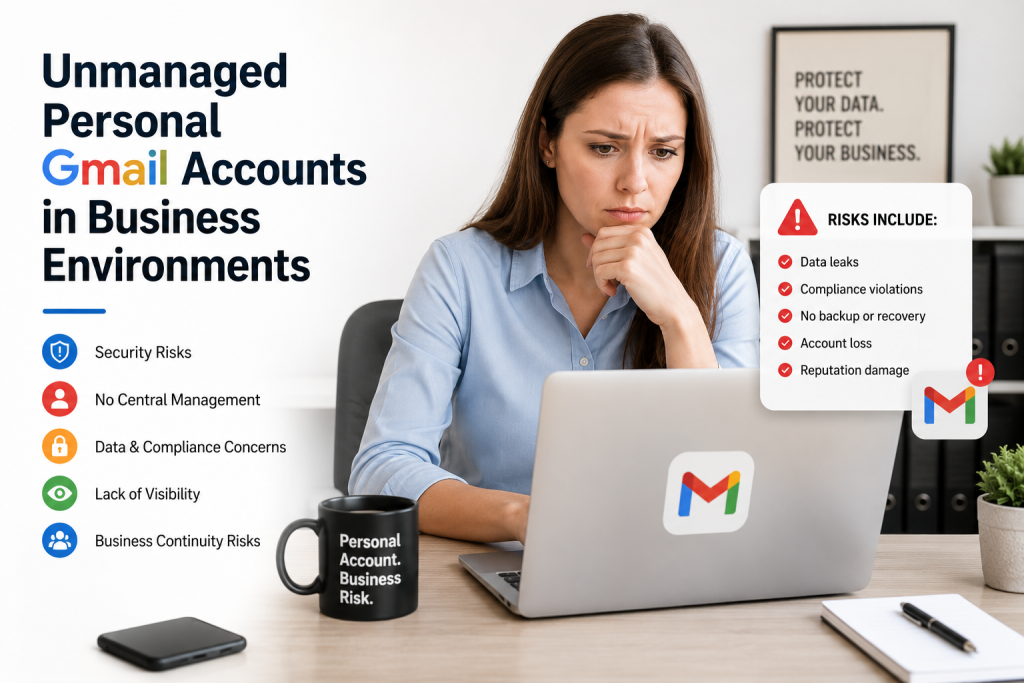
The solution is not necessarily to replace Microsoft 365 or move every business to Google Workspace. The goal is to conduct business through company-managed identities, approved services, and browsers governed by appropriate security policies.
The Risks of Personal Accounts at Work
Loss of Company Control
When employees use personal Google accounts for business:
- Documents and attachments may be stored in personal Gmail or Google Drive.
- Business messages may fall outside retention and discovery processes.
- Passwords, bookmarks, extensions, and autofill data may sync to personally owned devices.
- The company may be unable to recover or remove information when employment ends.
An employee who leaves may retain years of customer correspondence, contacts, documents, and browser data. Even without malicious intent, the organization has lost control of information needed for operations, security, and accountability.
Security and Compliance Exposure
Personal accounts can bypass controls surrounding Microsoft 365, multifactor authentication, endpoint protection, DNS filtering, approved applications, and security monitoring. This can increase exposure to phishing, credential theft, malicious extensions, unapproved cloud or AI tools, and unsanctioned file sharing.
Unmanaged accounts also make it difficult to demonstrate where confidential information is stored, who can access it, how long it is retained, and whether it was removed appropriately.
For example, if a healthcare employee forwards patient scheduling information to personal Gmail, protected health information may be stored outside the organization’s approved workflow. That does not automatically prove that a reportable breach occurred, but it creates an event that should be contained, investigated, documented, and evaluated under the organization’s privacy and security procedures.
Offboarding and Business Continuity
An employer cannot suspend an employee’s personal Gmail account. It may also be unable to revoke sessions, recover files, preserve records, or remove synchronized information from personal devices.
A company-managed account provides a controlled way to suspend access, reset credentials, revoke sessions, preserve required information, transfer ownership where supported, and document offboarding.
The Better Model: Managed Identities and Browsers
Business activity should use accounts owned and administered by the company. A managed identity allows administrators to:
- Create, modify, suspend, and delete users
- Require multifactor authentication
- Apply access and sign-in policies
- Manage approved applications and browser extensions
- Investigate events and revoke access
Chrome browsers can also be enrolled in Chrome Enterprise Core and managed through the Google Admin console. Policies can control extensions, browser sign-in, Safe Browsing settings, bookmarks, homepages, updates, and other behavior.
Three Practical Options
1. Microsoft 365 with Managed Chrome
A Microsoft 365 organization can keep Outlook, Teams, OneDrive, SharePoint, and Office while adding browser governance. Chrome Enterprise Core provides core cloud-based Chrome management at no cost. Where managed Google identities are needed, the company can evaluate the free edition of Cloud Identity, subject to its features and user limits.
This is often the most practical starting point for a Microsoft-centered small business because it does not require an email migration.
2. Google Workspace
Businesses that want Gmail, Google Drive, Docs, and Meet can use paid Google Workspace accounts such as john@company.com. These accounts and services are owned and administered by the company. Licensing requirements and recurring costs should be reviewed before deployment.
3. Chrome Enterprise Premium
Chrome Enterprise Premium adds advanced capabilities such as data-loss protection and context-aware access. Google currently lists it at $6 per user per month. These controls may be appropriate for higher-risk environments, but they should be selected because of documented requirements rather than enabled by default for every small business.
Using Microsoft and Google Together
Microsoft 365 and managed Google services can coexist, but matching email addresses do not automatically provide one identity or password. Without integration, john@company.com in Microsoft 365 and john@company.com in Cloud Identity or Google Workspace remain separate accounts.
If Microsoft Entra ID will remain the authoritative identity source, the organization should configure user provisioning and single sign-on between Entra ID and Cloud Identity or Google Workspace. Identity federation must be planned and tested, including user and group mapping, multifactor authentication, emergency access, session revocation, and offboarding.
Recommended Implementation Process
- Inventory personal Gmail, Google Drive, Chrome sync, browser extensions, and unapproved web applications.
- Identify the authoritative identity platform, such as Microsoft Entra ID, Cloud Identity, or Google Workspace.
- Decide whether the business needs browser management, Google productivity services, or advanced data protection.
- Document licensing costs before selecting paid subscriptions.
- Configure and test managed accounts, multifactor authentication, browser enrollment, and approved extensions.
- Configure provisioning and single sign-on if Entra ID will authenticate users to Google services.
- Migrate approved business information through a controlled process.
- Restrict personal-account use where appropriate and document exceptions.
- Establish help-desk, incident-response, and offboarding procedures.
- Review the configuration and retain evidence of important changes.
Recommended Business Policy
A practical policy should require company business to use approved company-managed accounts. It should prohibit storing company information in personal email or cloud storage, require multifactor authentication, control browser extensions and cloud applications, and remove access promptly when someone leaves or changes roles.
Exceptions should be approved, documented, time-limited, and reviewed.
Healthcare and Regulated Environments
Managed accounts improve control, but they do not make an organization compliant by themselves. Healthcare organizations must still evaluate approved services, contractual protections, access controls, auditability, retention, minimum-necessary use, incident response, and whether a Business Associate Agreement is required.
Technical controls should support a documented privacy and security program rather than be presented as proof of compliance.
Conclusion
Personal Gmail and unmanaged browser profiles create avoidable data ownership, security, offboarding, and compliance risks. Companies should replace them with managed identities, approved applications, and enforceable browser policies.
The correct solution depends on the existing environment. A Microsoft 365 organization may need only managed Chrome and corporate Google identities, while a Google-centered organization may benefit from Google Workspace. Paid protections should be added only when the business requirements and risk assessment justify them.
The principle is simple: business information should remain under business control.